
OpenClaw for CRE Prospecting + The AI for CRE Attorneys Program is HERE
Welcome to the March 2026 Edition of ChatCRE

Welcome to the March 2026 edition of the ChatCRE newsletter. Your monthly dose of intel on AI and how to use it in commercial real estate.
TL;DR
The AI for CRE Attorneys Workshop: Nadine Ezzie’s 6‑week workshop starts March 25. Learn powerful AI workflows for lease review, negotiation strategy, and deal structure playbooks and more. Reserve your spot here.
OpenClaw for CRE Prospecting: Learn how student housing broker, Adam Smith, built a team of AI agents to add firepower to his prospecting.
What’s Got My Attention Right Now: New tech for building a CRE second brain, and communicating with AI agents from your phone.
P.S. I’m currently booking online & in-person AI presentations & training sessions for Fall 2026. If you’re interested in having me present to your team, company, or association on how to use AI in CRE, you can find more information here, or just send me an email and we’ll connect.
The AI for CRE Attorneys Workshop is HERE!
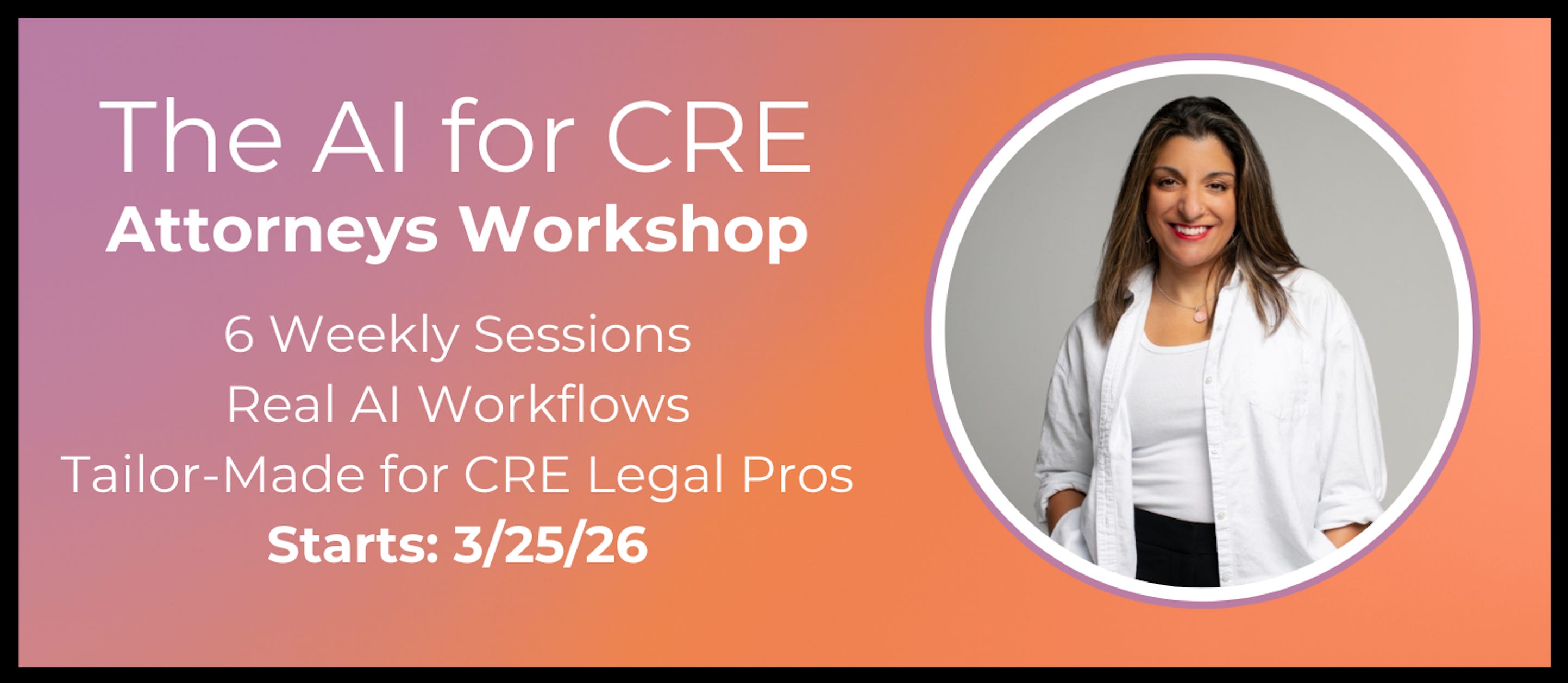
I’m beyond excited to announce the launch of CRE AI Studio’s AI for CRE Attorneys Workshop, kicking off on March 25th. Led by the CRE AI Attorney herself, Nadine Ezzie, this is a 6‑week live cohort built specifically for CRE attorneys. While the program is designed for attorneys, anyone working in CRE transactions will benefit. The is focus on real workflows Nadine is leveraging, not just theory.
Here’s What You’ll Learn:
In 6 weeks, one hour per week, you’ll learn:
How to use powerful AI tools like Claude and NotebookLM for working with deal docs safely and effectively.
CRE deal document review: Upload a lease or contract and have it extract key terms, flag unusual provisions, identify missing protections, and summarize the document in minutes instead of hours.
Negotiation strategy: Ask an LLM to analyze a landlord’s lease form and recommend negotiation points based on tenant priorities. Determine which provisions are market vs. aggressive and where to push back.
Drafting fallback language: Find problematic clauses and generate 2-3 alternative positions.
Creating playbooks: Build reusable instruction sets that capture your firm’s or client’s standard positions, so AI can help apply them consistently across every deal.
Customizing AI for repeatable processes: Set up custom versions of your LLM of choice with your templates, redlines, and preferences so you’re not starting from scratch every time.
Protect confidentiality with real doc sanitization & privacy workflows.
Learn the workflows that will help you execute manual CRE transaction tasks in a faction of the time.
The Instructor: This program is led by: Nadine Ezzie, CRE attorney, AI consultant, & co‑founder of CRE AI Studio
We’re limiting this cohort to 35 people to keep it hands‑on and practical. Access includes the live classes, recordings, and asynchronous Q&A with Nadine in the CRE AI Studio community.
If you’ve been waiting for the right time to bring AI into your CRE legal or transaction work, this is your moment.
🔗 Spots are filling up quickly: Reserve Your Seat Here.
If you know some in the CRE legal space who’s looking to leverage AI, click here to share it with them!
How Adam Smith Built a Team of OpenClaw Agents for CRE Prospecting
I’ve been working with OpenClaw for a little over a month and have been impressed by what it can do, but student housing broker, Adam Smith, is taking it to another level. He’s built a team of OpenClaw agents helping him with his prospecting workflows. I asked him to join us for a live session in CRE AI Studio to show us what he’s building.
If you’re not sure what OpenClaw is, you can find a more detailed breakdown in last month’s edition of ChatCRE here.
Here’s what Adam’s team of CRE OpenClaw agents are doing for him, and their roles:
Atlas (Chief of Staff)
Atlas is the big brain. It runs on Claude Opus, stays on 24/7, and is trained on Adam’s business plan plus his full ChatGPT history. Atlas is not a single task agent. It coordinates everything, fills in missing data, and keeps the whole system pointed at his brokerage goals.
The Research Agent
This is the agent that moves the needle. It scrapes the web daily and enriches Adam’s student housing property database with enrollment trends, population shifts, acceptance rates, and sales comps. Adam has hundreds of Google alerts feeding an inbox, and this agent parses the noise and pushes only the signals that matter to the property database.
The News Scraper
This agent scrolls LinkedIn and X, filters the biggest AI stories and updates, and answers one question for Adam: “What AI updates actually matter for my business today?”
The Database Agent (Olympus)
Adam uploaded gigabytes of Excel files with student housing data, and this agent fills in the missing gaps in the data, from year built to ownership history to decision maker LinkedIn profiles. It feeds Adam’s CRM, which tells Adam who he should call that morning based on recent signals from the Research agent, and provides a brief on how to open each call based on the data. The agent connects the dots between debt, vacancy, and enrollment trends so he is not calling the whole database blindly. It pushes likely seller signals to the top and makes sure every call has a reason behind it.
The Recruiting Agent
This agent keeps a pipeline of recruiting targets for Adam. It identifies potential targets, builds lists, and keeps that recruiting funnel moving without him chasing it manually.
Adam’s First Automation:
Adam got started with OpenClaw the way many do, by using it as a personal assistant. Adam’s first automation that he built with OpenClaw was a daily briefing, which pulls his emails, internal messages, tags them with urgency, and connects to his printer to print out daily brief every morning by the time he’s at his desk. Practical, tactical, and a huge time saver.
My Key Take Aways on Adam’s OpenClaw Stup:
While the world of AI is changing quickly, this session was pretty reaffirming for me personally because Adam reiterated a point that we’ve discussed in this newsletter many times before: Specificity is critical with AI. If you ask too much of AI at once, it’ll fail to give you a useful result. When you get specific, everything improves. This is true of your prompts, it’s true of building Custom GPTs and AI skills, it’s true of AI-powered automations, and while AI agents like OpenClaw can do a lot more than a Custom GPT, it’s true of them as well. If you give AI agents defined roles, projects, and goals, you’ll get a much better end result.
If you’d like to watch the full session, grab your 7 day free trial to CRE AI Studio and watch it here.
P.S. If you’re using OpenClaw in CRE, shoot me an email, I’d love to hear what you’re doing with it!
AI Tech I’m Watching Right Now:
Obsidian:
I’m always keeping my eyes peeled for CRE pros using AI in smart, creative ways. This week, CRE GP, Barrett Linburg, shared a new approach to using Claude Code on an organizational level that sent me down a rabbit hole.
The idea is simple: stop re‑explaining your company to AI every time you use it. Instead, Barrett built a company knowledge base of interlinked markdown files (documents that are easy for AI to read) in a platform called Obsidian. He then connected Claude Code to the knowledge base, so it has easy access to all the company intel, but Claude Code also has the added benefit that it works locally on your computer, so it can access all the files that live locally on your computer. The result is an AI that starts every session with real context on your company, instead of forcing you to retrain it every time you use it.
I’m not using Obsidian yet, but Barrett’s example has me fascinated as a way to get AI up to speed on a company at an organizational level.
I’d encourage you to read Barrett’s full post here.
If you’re interested in Obsidian, here’s a great podcast episode from Greg Isenberg that goes deep on Obsidian + Claude Code:
Claude Dispatch:
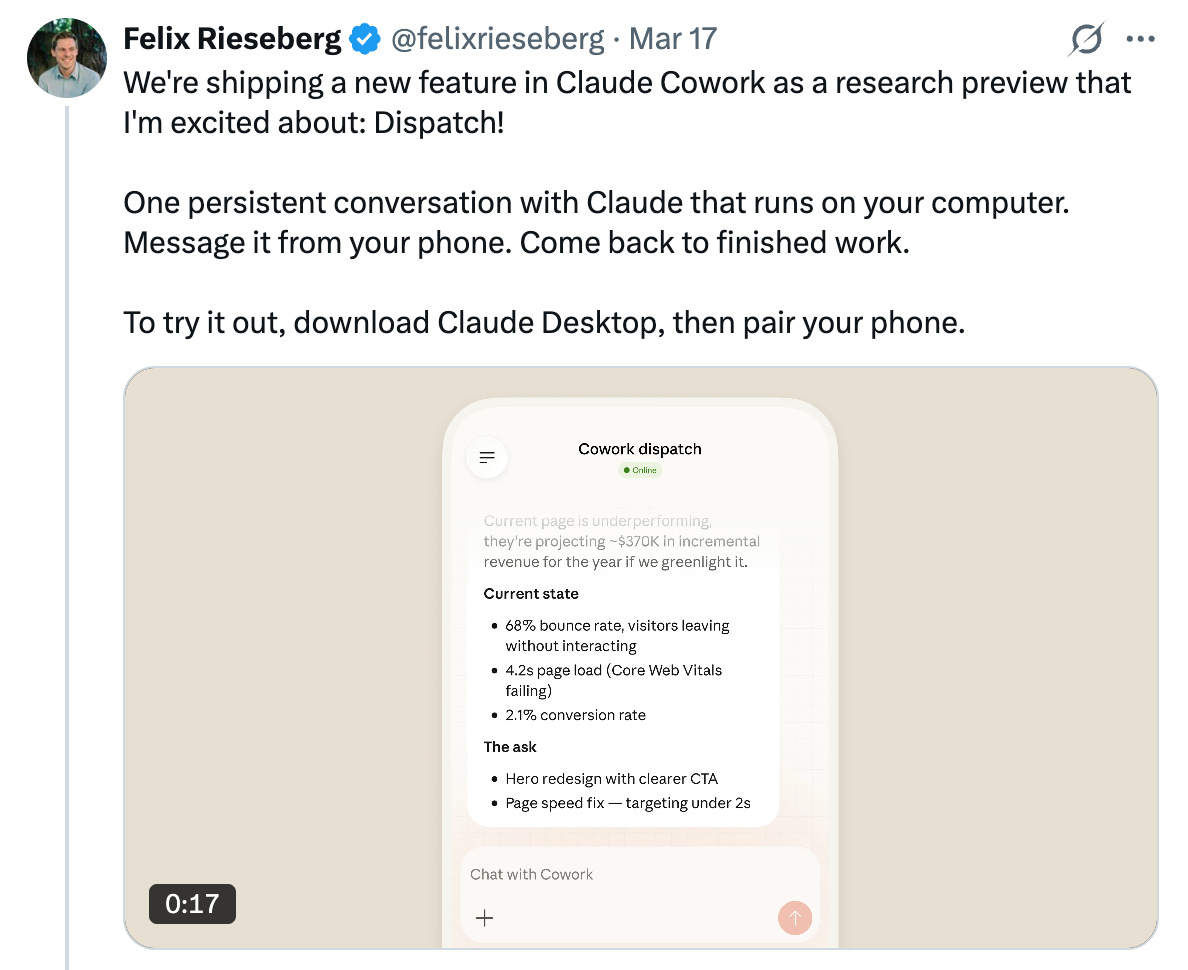
This week, Claude shipped a new feature called Claude Dispatch. The X post above really says it all, but the new feature allows you to communicate with Claude CoWork (or, as of yesterday, Claude Code), which runs locally on your computer (and, as mentioned earlier, has access to files stored locally on your computer). You could always use Claude, the chatbot, through the mobile app. The difference is that now, you can send a request to your mobile app, and have Claude CoWork/Claude Code execute tasks that it would only be able to do locally on your computer.
To me this looks like an attempt from Anthropic to recreate one of the features that people love about OpenClaw, you can communicate with it from your phone using WhatsApp or Telegram. After a day of using Claude Dispatch, I’m happy to say that it really feels like they nailed it. If you have the Claude desktop app, I’d highly recommend checking out Claude Dispatch.
That’s It, That’s All.
That’s it for the for the March 2026 edition of ChatCRE. I’d love to hear your thoughts on this edition - What you found valuable, what you could do without, or any topics you’d like me to cover in future newsletters. Feel free to comment below, send me an email, or reach out on X and Linkedin.
If you found this newsletter helpful, please consider sharing it with a colleague or friend who could benefit from enhancing their CRE operations, marketing, or pipeline with AI.
P.S.
I’m currently booking private and public presentations on how to leverage AI tools for commercial real estate for 2026. If you’re interested in helping your team, company, or association learn about powerful AI tools for CRE, you can find more information here, or just send me an email and we’ll connect.